How to Get More Google Reviews: Scripts and Rules
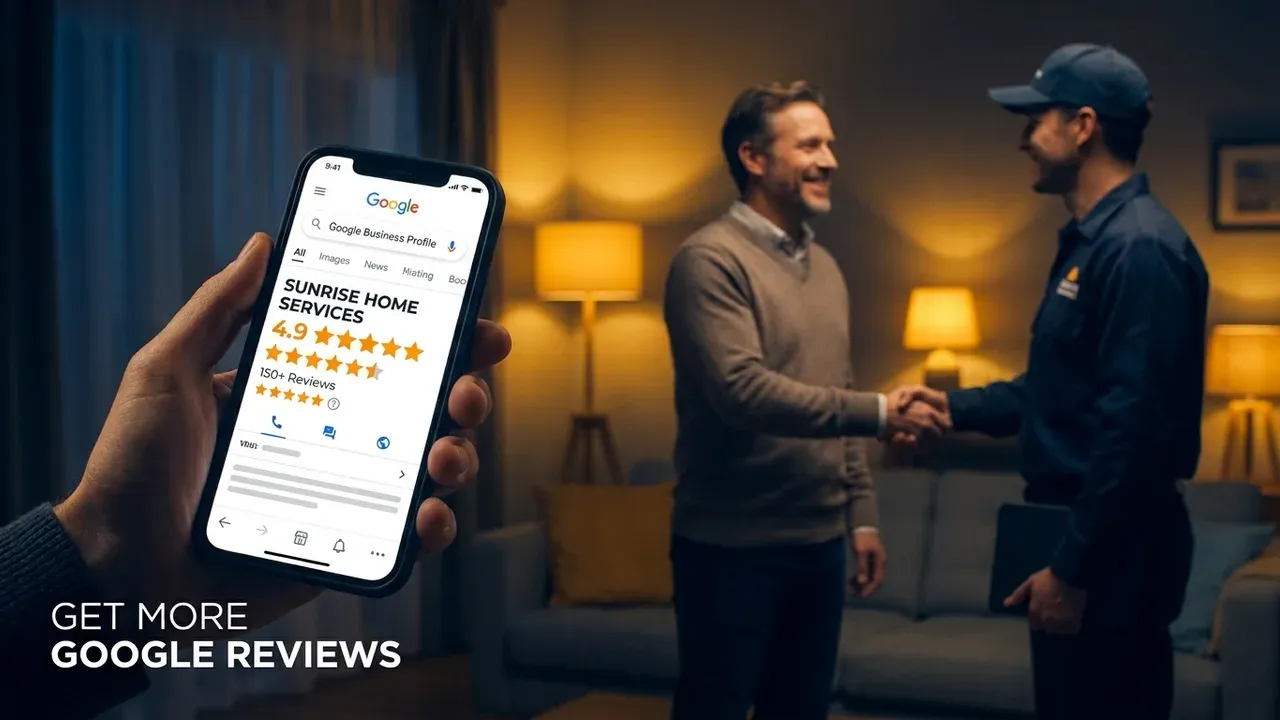
Most businesses do not have a review problem. They have an asking problem: reviews come in when someone remembers, then stop for months. This guide gives you a system you can run on every job, the exact words to use, and the rules that keep your profile safe.
Why recency matters more than your total
Reviews are one of the few ranking signals you control directly. Google’s local ranking help page lists review count and score as part of prominence, and homeowners read them closely. BrightLocal’s Local Consumer Review Survey 2026 found:
- 97% of consumers read reviews for local businesses.
- 74% only care about reviews written in the last three months.
- 31% will only use a business with 4.5 stars or more.
- 80% say they are likely to use a business that responds to all of its reviews.
The second number is the one most businesses miss. A profile with 200 reviews and nothing new since last year looks worse to a customer than a steady trickle. The goal is a flow, not a pile.
The rules first: what you can and can’t do
It is worth knowing the lines before you build a process, because some common tactics break them.
| Practice | Allowed? | Source |
|---|---|---|
| Asking every customer for an honest review | Yes | Google: Tips to get more reviews |
| Sharing a review link or QR code | Yes | Google: Tips to get more reviews |
| Replying to reviews, including negative ones | Yes | Google: Tips to get more reviews |
| Discounts, gifts, entries or free service in exchange for a review | No | Google Maps content policy |
| Only asking customers you think are happy (“review gating”) | No | Google Maps content policy |
| Discouraging or blocking negative reviews | No | Google Maps content policy |
| Requiring staff to collect a set number of reviews | No | Google Maps content policy |
| Buying reviews, or posting reviews for yourself | No | Google policy; FTC 2024 rule |
| Employees reviewing the business without disclosing it | No (US) | FTC 2024 rule |
Two of these catch people out. First, the “only send the review link if they rate us 4 or 5 in a survey” setup, sold by some review tools, is selective solicitation. Second, Google also lists requiring staff to solicit a certain number of reviews as prohibited, so a per-technician review quota is off the table. Track whether the ask was sent, not how many reviews each person “earned.”
Step 1: pick the moment
Ask when the result is obvious to the customer: the AC is blowing cold, the leak is fixed, the new panel is labelled and working, the crown fits. For trades, that is usually at job completion or the same evening. For dental practices, it is after the visit, once the patient is home.
Don’t wait for the invoice to be paid a month later. The memory fades and so does the goodwill.
Step 2: get your direct review link
In your Google Business Profile, use the option to ask for reviews to copy your short review link. Test it on your own phone: it should open straight to the review box. Put it in three places:
- Your text message template (primary).
- A QR code on the invoice, leave-behind card or truck door.
- Your email signature and a small “Review us on Google” link in your website footer.
Step 3: send the ask (copy-paste scripts)
Text messages get read, and a short personal note from the tech or owner works better than a branded marketing blast. Adapt these to your voice.
Text, same day (trades):
Hi [First name], it’s [Your name] from [Company]. Thanks for having us out today for the [job]. If you have a minute, an honest Google review helps other homeowners find us: [link]
Text, same day (dental):
Hi [First name], thanks for visiting [Practice] today. If you’re willing, an honest review on Google helps other patients choose a dentist: [link]. Reply STOP to opt out.
Follow-up, 3 to 4 days later (one reminder only):
Hi [First name], just a quick follow-up from [Company]. If you have 30 seconds, here’s the review link again: [link]. Thanks either way.
Email version, for customers who prefer email:
Subject: How did we do?
Hi [First name], thanks for choosing [Company] for your [job]. If you have a moment, we’d appreciate an honest review on Google. It helps other people in [area] find a contractor they can trust. [Button: Leave a review]
Note what the scripts don’t say: no “5-star,” no “if you were happy,” no offer. Just an honest ask. Sending text messages to customers also has consent rules, so only text people who gave you their number for service contact, and honour opt-outs.
Step 4: reply to every review
Replies are public, and they are read by future customers more than by the reviewer. Keep them short.
Positive review:
Thanks, [First name]. Glad the new system is keeping the house comfortable. We appreciate you trusting us with it.
Mixed review:
Thanks for the honest feedback, [First name]. You’re right that we should have called ahead about the delay. We’ve changed how we confirm arrival times.
Negative review:
We’re sorry this didn’t meet your expectations. We’d like to make it right. Please call [owner name] directly at [number].
For the negative reply, stay factual, don’t argue, and never reveal details about the customer or the job. For dental practices, that last point is a legal issue: US health privacy regulators have settled cases with dental practices that disclosed patient information while replying to online reviews. Our dental marketing ideas cover that in more detail.
Step 5: make it a habit, not a campaign
The system only works if it runs on every job.
- Automate the send if you can. Many field-service and practice-management tools can send the text when a job is marked complete.
- Make it a checklist step, not something a tech remembers.
- Check weekly that asks are going out and reply to anything new.
- Don’t batch. Twenty reviews in one week and none for three months looks less natural, and less useful to customers, than a steady few each week.
Where reviews show up besides Google Maps
Reviews support your map ranking, but they also work on your own site. Linking to your Google profile from your service pages, and showing real, attributable reviews near your quote form, helps visitors decide; it is a standard part of how we build HVAC websites and sites for other trades. Never write or edit reviews yourself, and only display ones customers actually left. Reviews are one part of a broader plan; see how they fit with profile work in how to rank higher on Google Maps and with the website side in our guide to local SEO for home-service businesses.
Bottom line
Ask every customer, the same day, with a direct link and a short honest message. Send one reminder, reply to everything, and stay clear of incentives, gating and quotas. It is not complicated, but it has to be consistent.
Want review requests built into your website and booking flow? Message us on WhatsApp and we’ll show you how we’d set it up for your business.
Our service
HVAC website design
What's included, how it works, and pricing.
Sources
Frequently asked questions
How do I get more Google reviews? +
Ask every customer, soon after the job, with a direct review link sent by text. Google's own help page recommends sharing a review link or QR code. Keep the ask short and personal, and make it part of every job rather than an occasional push.
Is it against Google's rules to ask for reviews? +
No. Asking is allowed and Google encourages it. What Google prohibits is offering incentives such as discounts or free services for reviews, discouraging negative reviews, selectively asking only happy customers, and requiring staff to collect a set number of reviews.
Can I offer a discount for leaving a review? +
No. Google's policy prohibits payment, discounts, free goods or services in exchange for a review. In the US, the FTC's 2024 rule also bans paying for reviews that express a particular sentiment.
Should I reply to every review? +
Yes, briefly. Google recommends replying, and BrightLocal's 2026 survey found 80% of consumers say they are likely to use a business that responds to all of its reviews. Keep replies short, and never confirm private details about the customer or the job in a negative reply.
Want a website that gets you more jobs?
Message us on WhatsApp and our team will send a free quote and a clear plan to get your phone ringing with new customers.
Get a free quoteKeep reading
-
Local SEO for Home-Service Businesses: A Service-Area Guide
How local SEO works for plumbers, HVAC, roofing and electrical companies that travel to customers: service-area profiles, city pages that aren't doorways, citations, and a 90-day order of work.
-
How to Rank Higher on Google Maps: A Profile Audit
A field-by-field Google Business Profile audit for ranking higher on Google Maps in 2026, plus a diagnostic for when your business isn't showing up and the mistakes that get profiles suspended.